From game project to verified Windows build.
Build your Godot, Unity, or Unreal game for Windows, with a SHA-256 manifest for every build.
Made for solo developers and small studios who ship to Steam and itch.io.
Free, including commercial games · Windows x64 · 2026.1 pilot
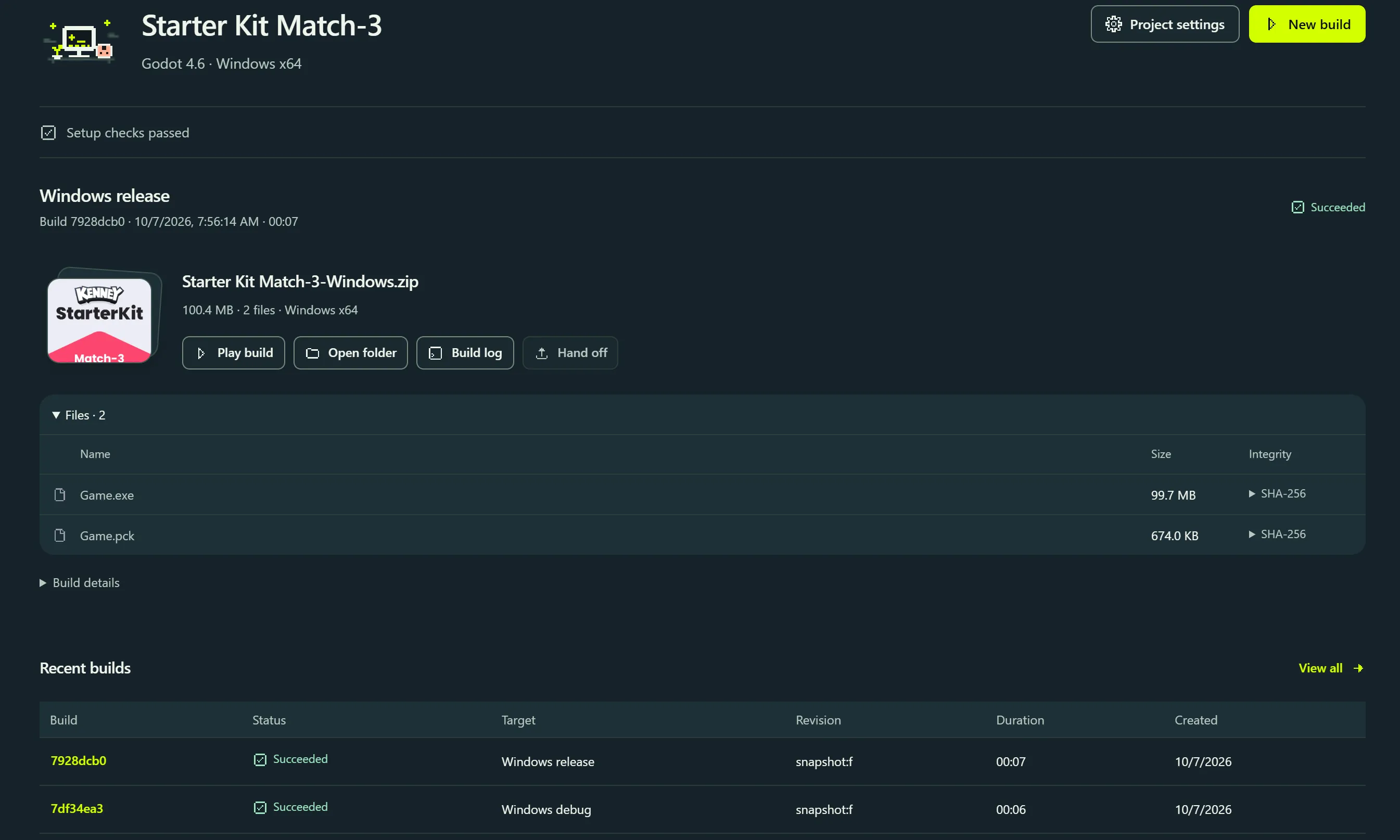
The workspace, as it runs today.
These are frameDock’s own screens, captured from the 2026.1 pilot over the records of real Godot, Unity, and Unreal builds.
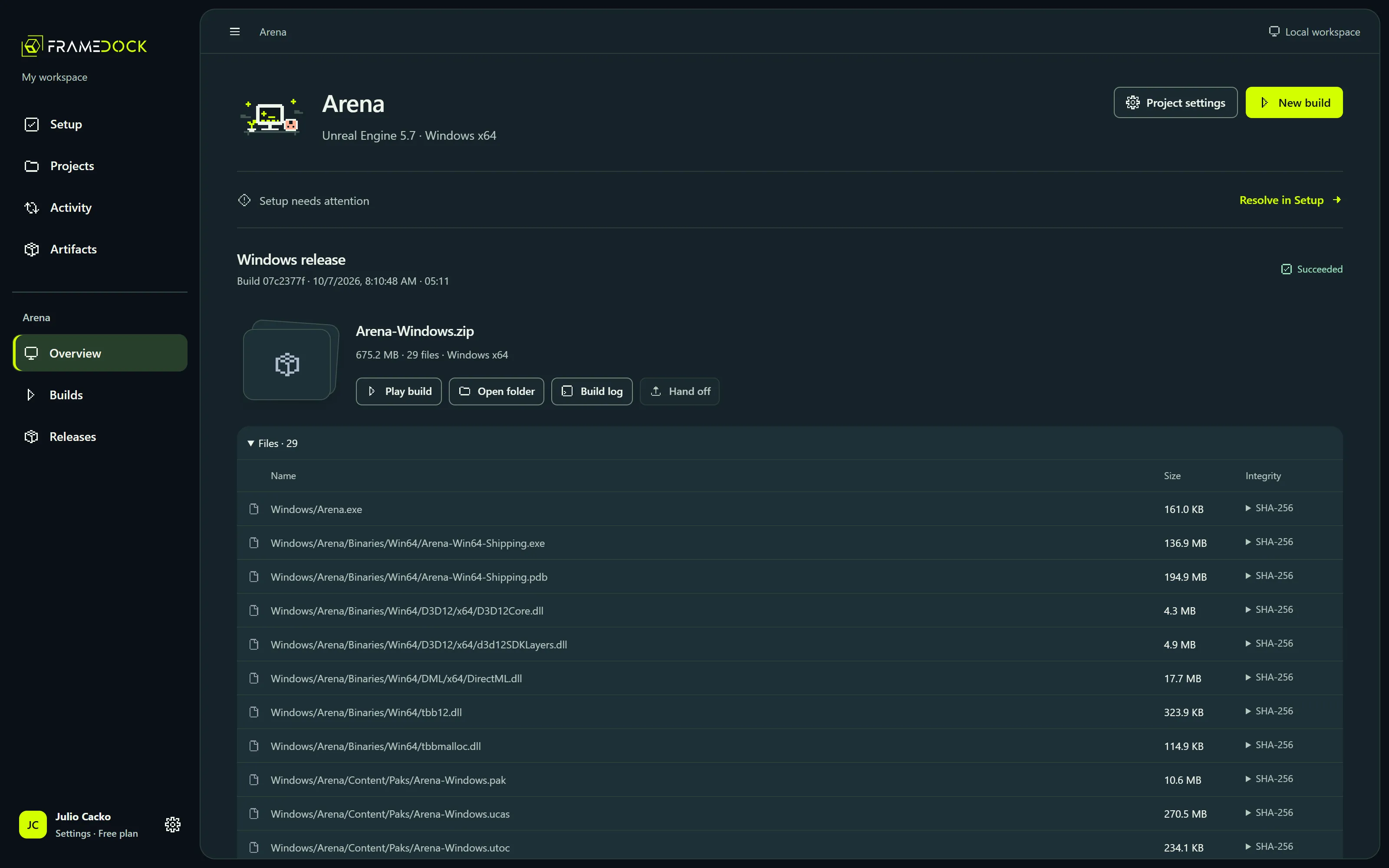
The build itself, not a promise of one.
Arena, packaged for Windows from Unreal Engine 5.7: a 675.2 MB ZIP of 29 files, each listed with its SHA-256, beside Play build, Open folder, and Build log.
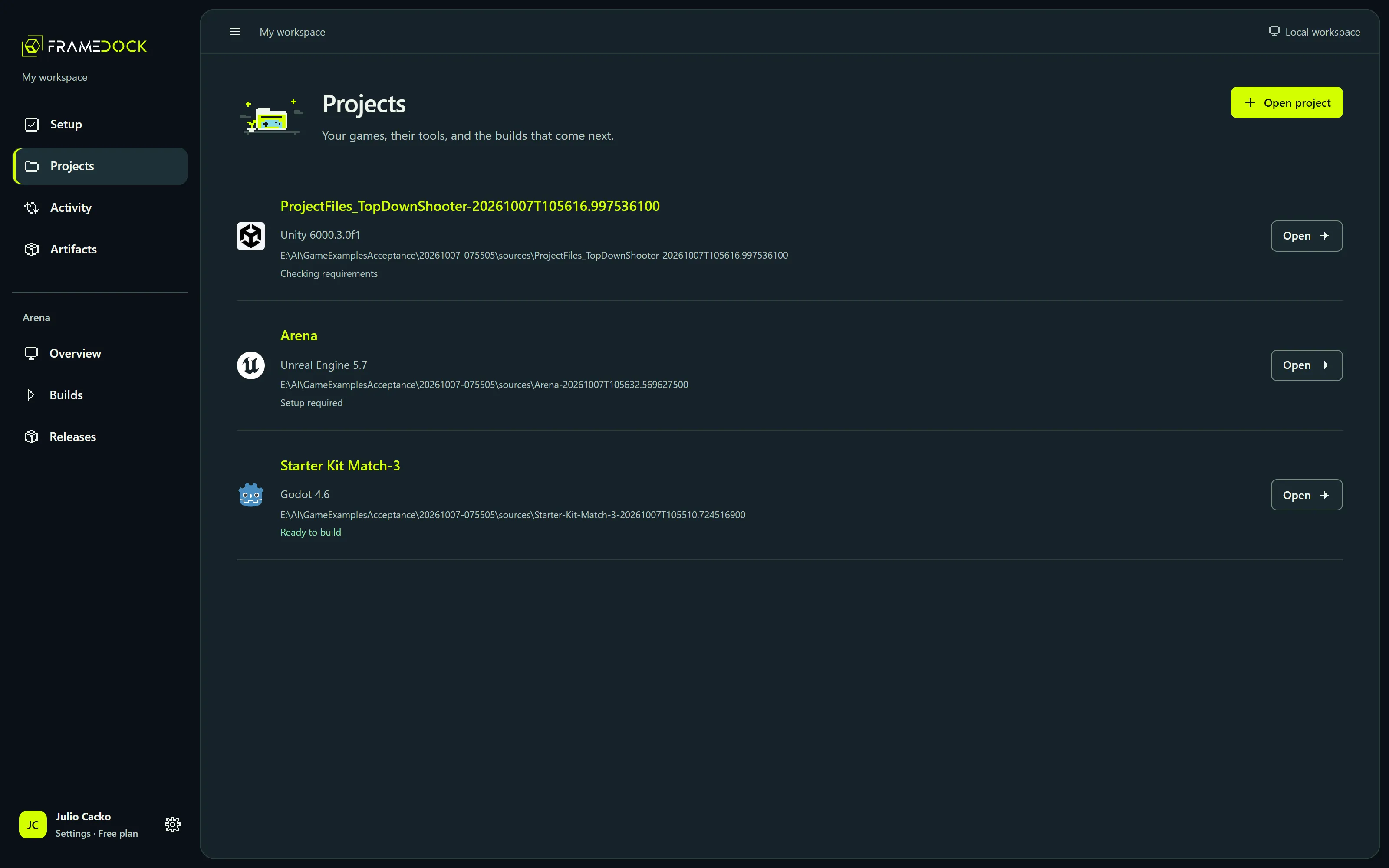
Every game, and whether it can build.
Godot, Unity, and Unreal projects side by side, each with its engine version, source location, and readiness: ready to build, checking, or what setup still needs.
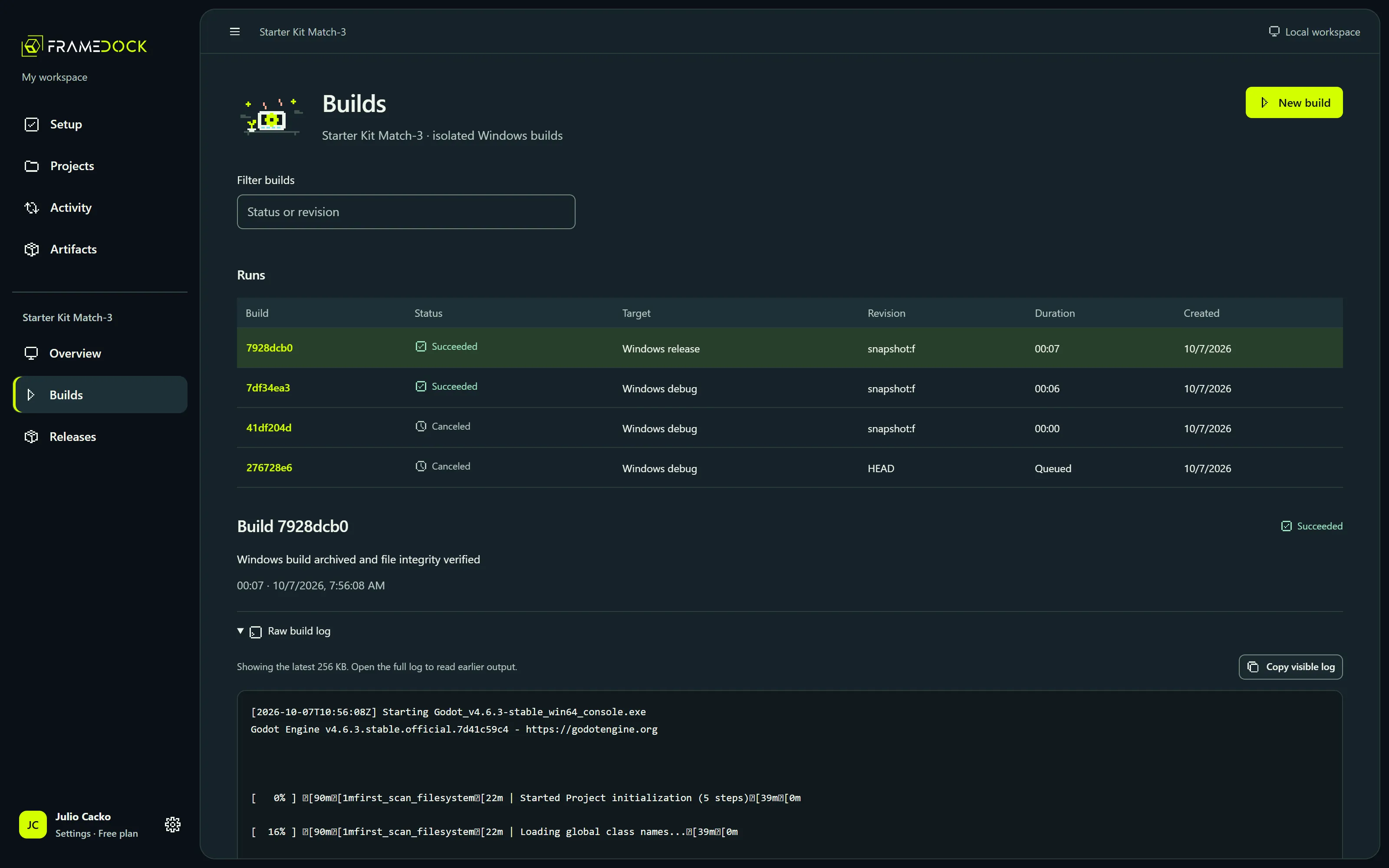
Raw logs beside the readable story.
Each run keeps its status, target, revision, and duration. The engine’s raw output stays one click away, so a failure is something you can read, not guess.
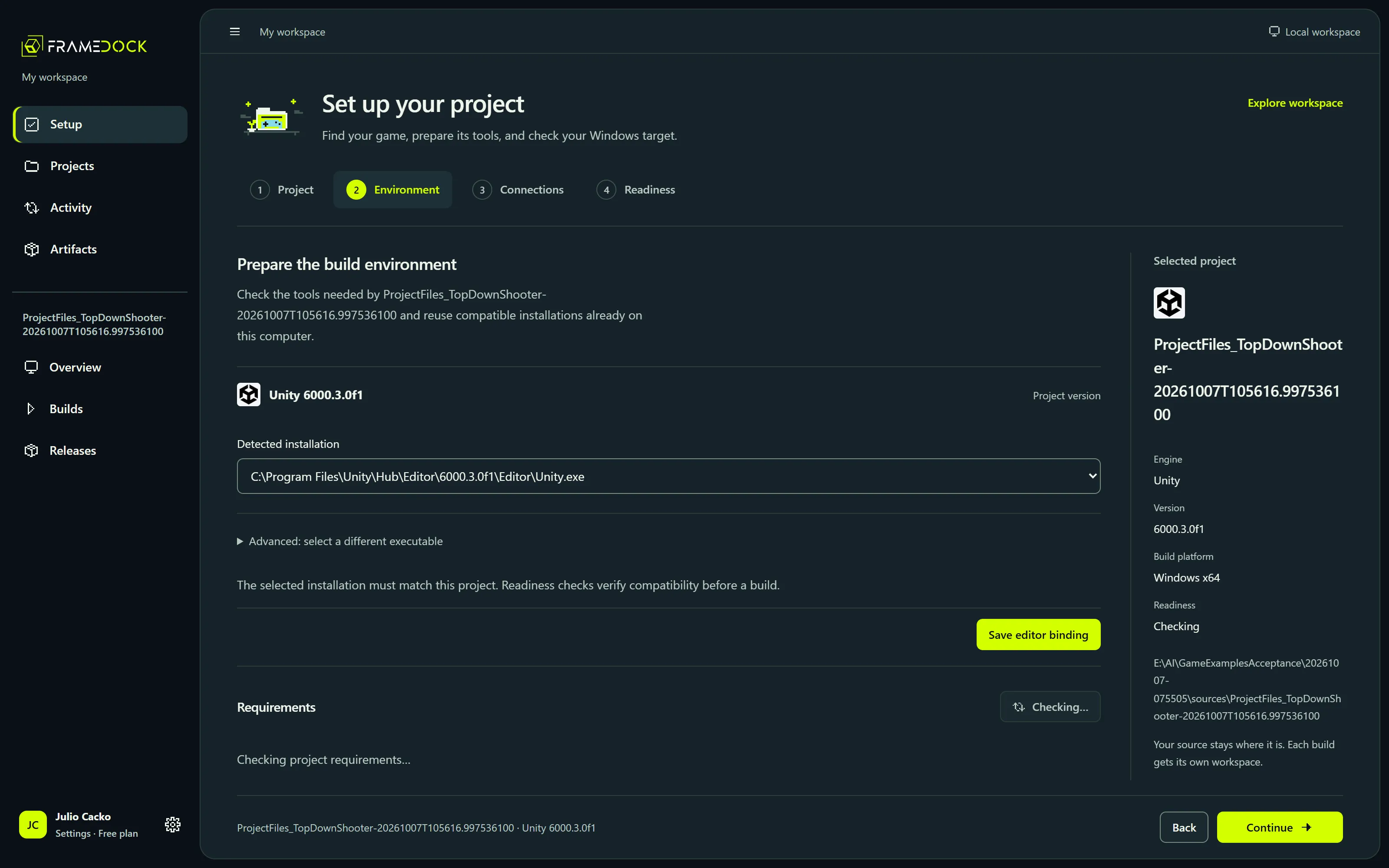
Setup that reads your machine first.
frameDock detects the editor your project needs and the installations you already have, then lists exactly what is missing instead of asking for paths.
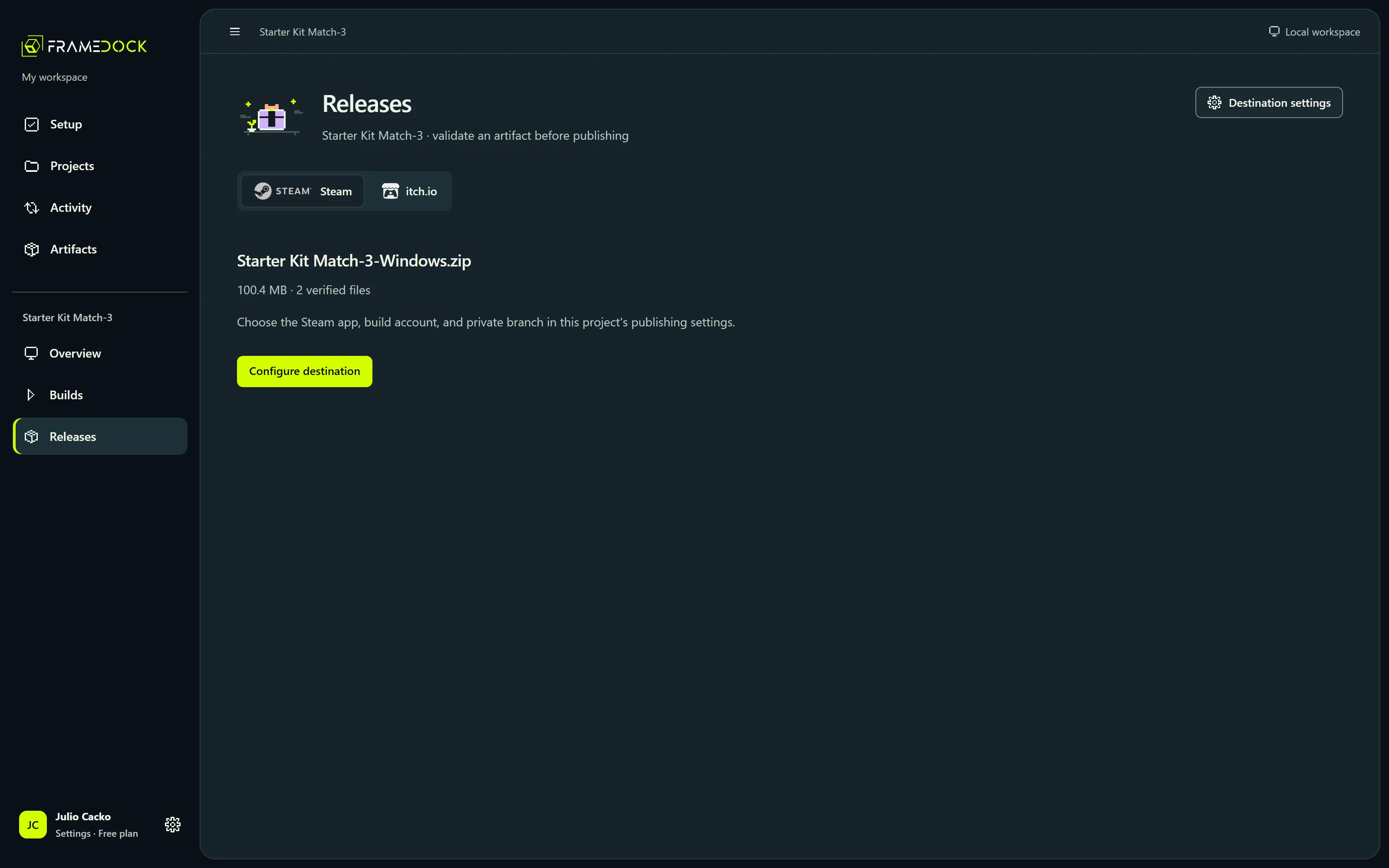
Releases start from a verified artifact.
Destinations such as Steam and itch.io are configured per project, and an artifact is validated before anything is uploaded.
Six real Windows builds, three engines.
Three existing game projects went through frameDock’s production build service for this pilot. Every ZIP was extracted and checked against its manifest, and each build was launched to check the game itself.
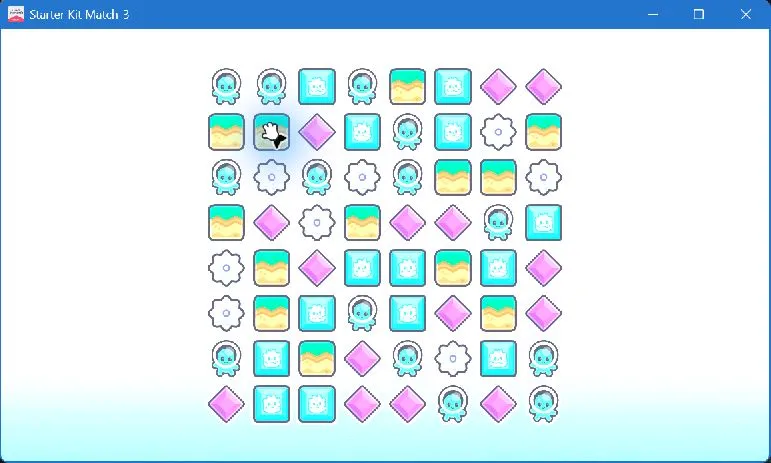
Starter Kit Match-3
Godot 4.6.3 stable
- Debug
- Release
- Artifacts
- Both ZIPs extracted and matched their manifests
- Gameplay checks
- Automated matching and refill, resize, and responsive input after two minutes
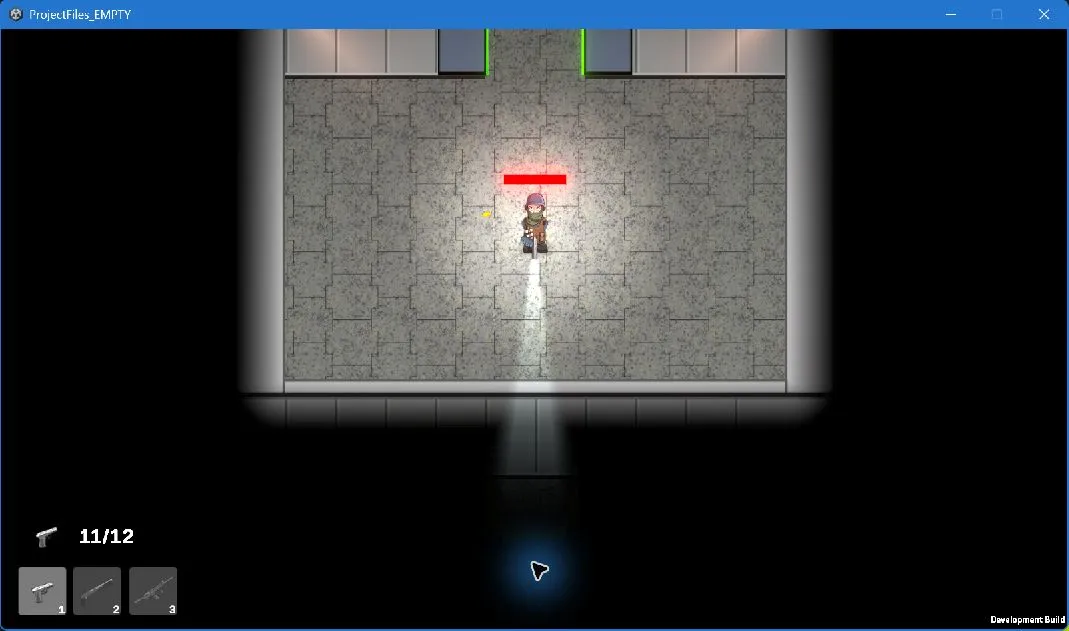
TopDownShooter
Unity 6000.3.0f1 (Mono), official CLI beta.12
- Development
- Release
- Artifacts
- Both ZIPs extracted and matched their manifests
- Gameplay checks
- Development observed and confirmed; Release menu and scene observed, manual sign-off outstanding
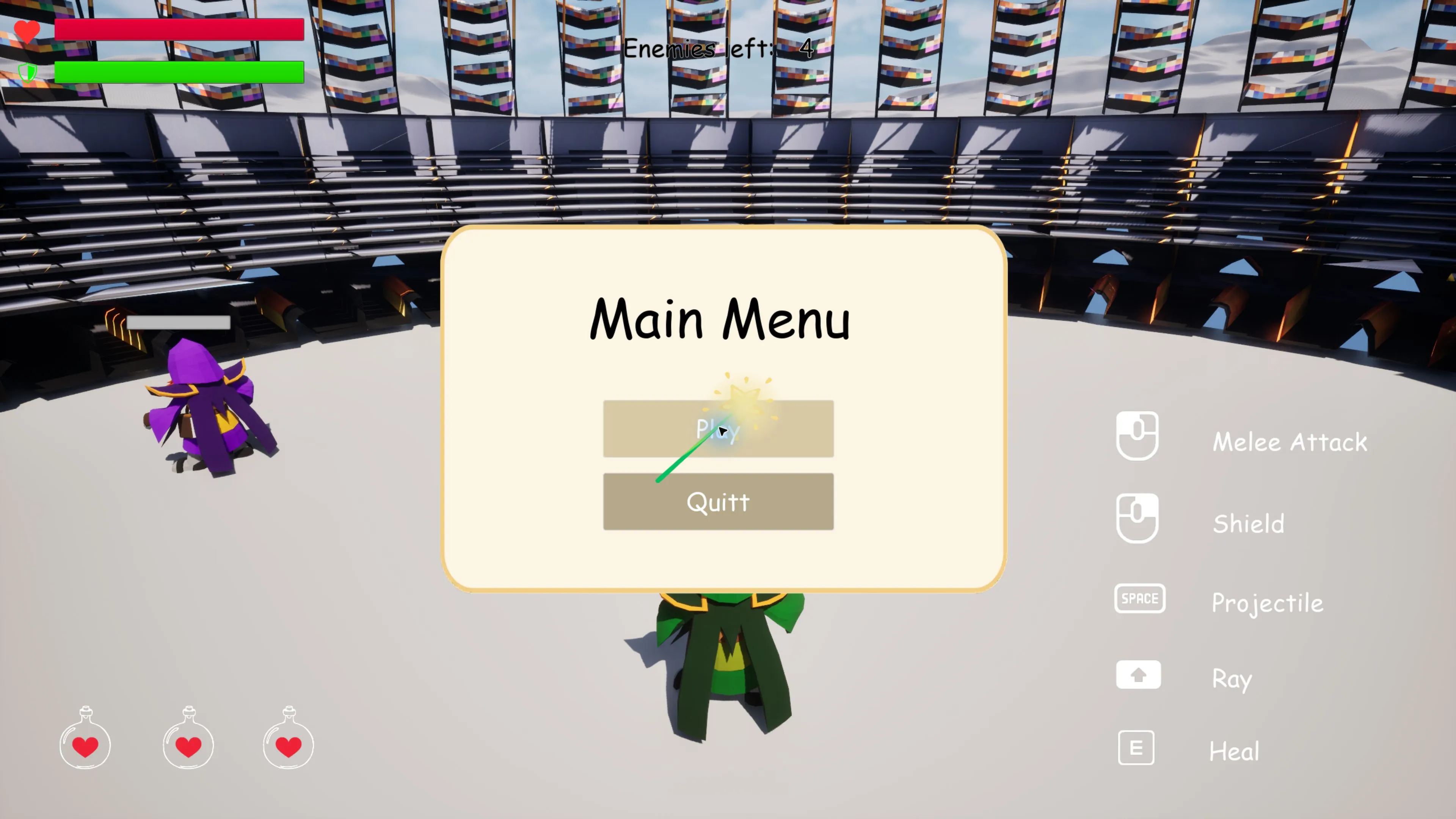
Arena
Unreal Engine 5.7
- Development
- Shipping
- Artifacts
- Both ZIPs extracted and matched their manifests
- Gameplay checks
- Both confirmed after movement, combat, pause, and menu checks
This is build and scenario evidence for these projects, not certification of every game or store scenario. The games and their assets belong to their original authors.
Every build ships with its receipt.
frameDock archives the Windows build and writes a manifest of every file it contains, with sizes and SHA-256 hashes. This one is a real record from the pilot.
Starter Kit Match-3-Windows.zip
| File | Size | SHA-256 |
|---|---|---|
| Game.exe | 99.7 MB | b9885f486cf5f6ba…c763c134ff |
| Game.pck | 674 KB | 0127d030fe4bc12e…3a602ab781 |
Your source stays where it is
Each build runs in its own isolated workspace. frameDock never changes your project files.
Builds survive interruptions
One local build runs at a time from a durable queue. Cancel any time. Interrupted work recovers when the app restarts.
Logs you can read
Human-readable diagnostics sit beside the raw engine log, which is never hidden or rewritten.
Private Steam branches only
Steam releases go to private branches. The app blocks public uploads.
Uploaded is not released
A finished upload and a branch that is actually live are shown as two different states.
From project folder to a release you can trust.
Five steps, in the order frameDock runs them. You only need store accounts for the last step.
Step 1: Open
Open a Godot, Unity, or Unreal project from a local folder or an authorized GitHub repository. frameDock detects the engine and version.
Step 2: Resolve
It finds the matching editor, Windows build support, export templates, license, and toolchain, and tells you exactly what is missing.
Step 3: Build
Pick a Windows target. The build runs in an isolated workspace, so your source project stays exactly where and how it was.
Step 4: Follow
A durable queue keeps progress and raw logs. Cancel any time. Interrupted work recovers when the app restarts.
Step 5: Ship
Inspect the ZIP and its SHA-256 file manifest, then configure a supported destination such as a private Steam branch or itch.io.
Engines and stores, with their real status.
Each label says what the pilot has proven, not what the catalog lists. A listed destination does not mean your account is authorized or a release is live.
Engines

Godot
Verified builds
Windows Release and Debug exports from your saved presets, with export templates installed inline.

Unity
Experimental
Batch builds through the official Unity CLI beta. Needs the project’s exact editor and a valid license.

Unreal Engine
Beta
Win64 Development and Shipping packaging through UAT. Packaging is in beta.
Source and destinations

GitHub
Configurable
Clone an authorized repository over HTTPS. The token stays in Windows Credential Manager.

Steam
Configurable
SteamPipe app and depot mapping with private-branch guards. A live upload has not been verified yet.

itch.io
Configurable
Push with butler, then validate the receipt. A live upload has not been verified yet.

Discord
Optional
Per-project webhook for build notifications.

Epic Games Store
Configurable
BuildPatchTool upload profile. Needs store-provided tooling and credentials; no live upload evidence yet.

GOG
Configurable
Uploader profile for approved partners. No partner upload evidence yet.
Consoles


Platform names and marks belong to their owners and identify integrations only. frameDock is not sponsored by, endorsed by, or affiliated with them.
An account that stays out of your project.
You sign in to frameDock to use it. Your builds and uploads still run on your own computer, and nothing about your game becomes part of the account.
No password
Sign in from the app with your email. A one-time link approves the computer, and a matching code shows the request came from you.
Works offline
Your plan is a signed entitlement checked on your computer, valid for 30 days without reaching the service.
Your project stays on your computer
Names, paths, files, repositories, logs, credentials, and build output are never part of your account.
Counting is opt-in
Usage counts are off until you turn them on, come from a short fixed list, and are not linked to you.
Free
Local projects, engine and tool detection, the build queue, logs, artifact integrity, and Steam and itch.io releases. Commercial games included, with no revenue limit.
Paid Indie, Pro, and Teams plans add build sharing, extra build computers, and studio roles. They are not on sale yet, and pricing is not set.
Start free with an account.
Three steps from here to your first verified build.
Create free accountAccount sign-up is not open on this site yet.
Create your account
Once sign-up opens, enter your email and open the verification link we send. No password and no payment details.
Download for Windows
After you verify your email, the Windows download appears in your frameDock account. It needs Windows x64 with Microsoft WebView2.
Sign in and open a project
Sign in to the app with the same email, then choose a Godot, Unity, or Unreal project folder or an authorized GitHub repository. Setup detects the rest and tells you what is missing.
The 2026.1 Windows pilot is unsigned. Live provider uploads, clean-machine dependency installation, signing, and console SDK execution remain unverified.